Written by: Mariana Fonseca, Editorial Team, AI Growth Agent
Key Takeaways
- 53% of mobile visitors abandon sites that load over 3 seconds, so target LCP under 2.5 seconds to retain users.
- Fast loading speed improves SEO rankings, lowers bounce rates, and delivers about 8.4% higher conversions for every 0.1-second LCP gain.
- AI search engines like ChatGPT and Perplexity favor quick-loading, authoritative pages when choosing citations and recommendations.
- Use modern image formats (WebP/AVIF), lazy loading, minified JS/CSS, a CDN, and regular testing with PageSpeed Insights and GTmetrix to reach sub-2-second loads.
- Scale speed-focused content production with AI Growth Agent, and see how it builds AI-visible authority automatically.
Core Concepts: How Fast Loading Speed Works
Fast loading speed describes the time between a user clicking a link and the page becoming fully interactive. Google’s “Good” threshold for Largest Contentful Paint (LCP) is ≤2.5 seconds in the 2026 Core Web Vitals benchmarks, while competitive sites usually aim for sub-2.5-second load times.
The 2026 Core Web Vitals framework tracks three key metrics that define fast loading speed:
| Metric | Good | Needs Improvement | Poor |
|---|---|---|---|
| LCP | ≤2.5s | ≤4s | >4s |
| INP | <150ms | ≤500ms | >500ms |
| CLS | <0.1 | ≤0.25 | >0.25 |
Primary performance bottlenecks usually include heavy, uncompressed images, render-blocking JavaScript, and slow server response times. A 0.1-second improvement in mobile LCP correlates with an 8.4% conversion rate lift in retail, which shows the direct revenue impact of faster pages. See how AI Growth Agent keeps these performance standards in place automatically across your content.
Why Fast Loading Speed Drives Revenue in 2026
Fast loading speed directly affects revenue, not just user satisfaction. About 70% of consumers say page speed influences their purchasing decisions, and every extra second of mobile load time can cut conversions.
Google’s ranking systems penalize slow sites through Core Web Vitals scoring. Only 53% of origins in Chrome’s real-user dataset pass all three Core Web Vitals (LCP, INP, CLS) as of September 2025. Sites that miss these thresholds lose organic visibility and drop in search rankings.
AI search engines now add another layer of pressure. ChatGPT, Perplexity, and Google’s Gemini prefer fast-loading, authoritative content for citations and recommendations. Slow sites get pushed down in AI responses, which creates a compounding competitive gap. Forum threads regularly call out slow pages, with comments like “frustrating slow loads kill traffic” appearing more often.
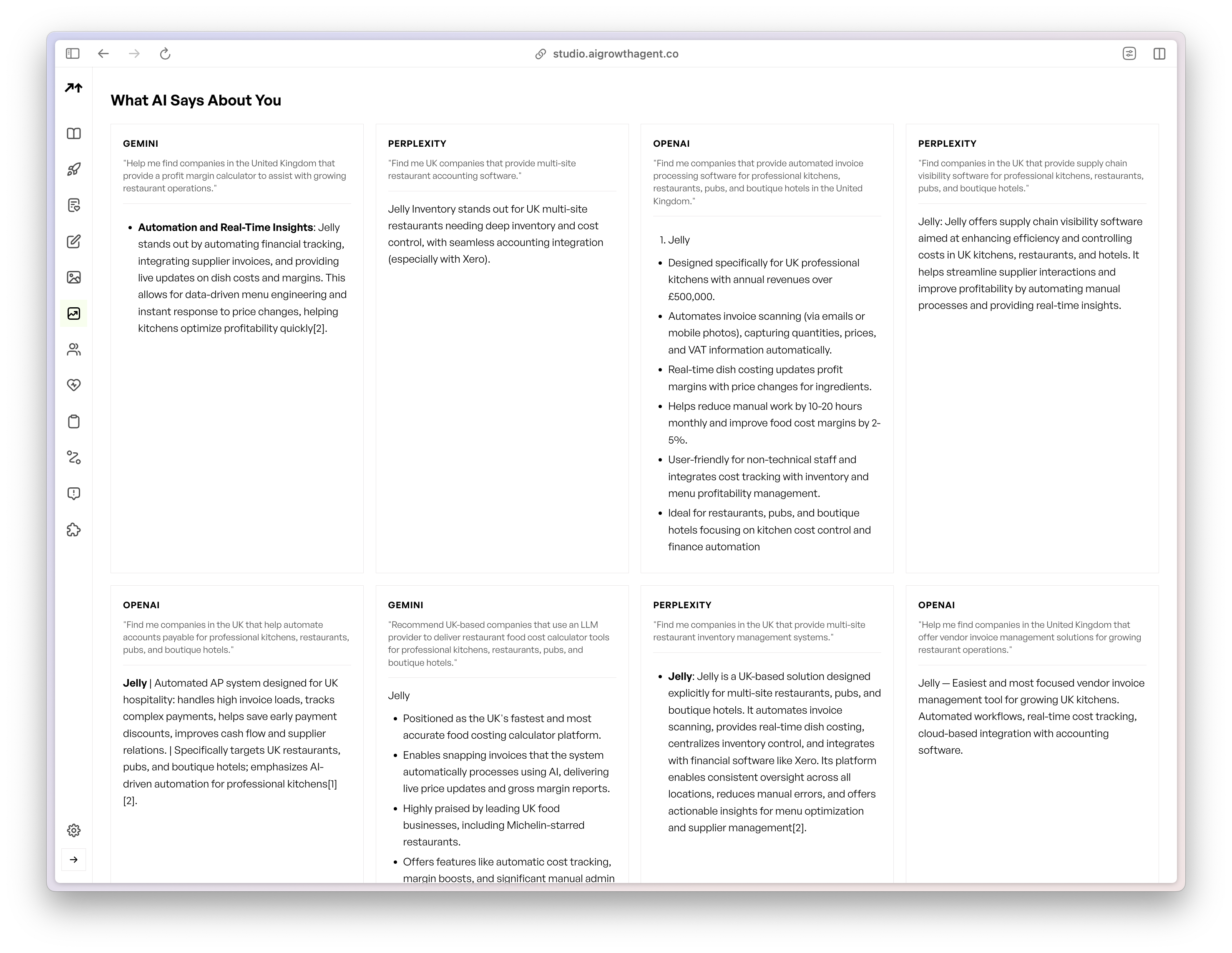
Revenue impact grows as traffic scales. Slow mobile pages cause large annual eCommerce losses in the US, while tuned sites see quick conversion lifts. Explore how programmatic speed and content systems can help you meet both performance and authority requirements for AI citations.
How to Test Your Fast Loading Speed Accurately
Reliable speed testing uses several tools and scenarios to mirror real users. Google PageSpeed Insights classifies Time to First Byte (TTFB) under 800ms as good, 800–1800ms as needs improvement, and above 1800ms as poor.
Essential testing workflow:
- Run Google PageSpeed Insights for both mobile and desktop scores to set your Core Web Vitals baseline.
- Use GTmetrix to review the waterfall and pinpoint specific requests that slow TTFB and rendering.
- Test with Pingdom from several geographic locations to confirm performance consistency across regions.
- Record LCP, INP, and CLS scores from all tools so you can compare results and spot discrepancies.
- Run tests during peak traffic hours to capture realistic performance data under real load.
| Tool | Free/Paid | Key Metrics | Best For |
|---|---|---|---|
| Google PageSpeed | Free | LCP/INP/CLS | Core Web Vitals scores |
| GTmetrix | Free/Paid | Waterfalls, TTFB | Technical diagnostics |
| Pingdom | Free/Paid | Global testing | Geographic performance |
Mobile performance deserves priority, because 60% of users expect a mobile page to load in 3 seconds or less. Capture baseline scores before you change anything so you can measure gains clearly. See how automated monitoring and tuning can keep your performance stable over time.
Top Speed Killers on Your Site and Fast Fixes
Image Optimization That Cuts Page Weight
Images account for about 44% of the median webpage’s total weight on mobile, which makes them the biggest bottleneck for most sites. Convert images to WebP or AVIF, use responsive sizing with srcset attributes, and enable lazy loading for below-the-fold content.
JavaScript and CSS That Load Without Blocking
Unoptimized JavaScript often blocks rendering and delays visible content. Minify and compress CSS and JavaScript files, defer non-critical scripts, and remove unused code with tree shaking.
Server and Hosting Choices That Speed Up TTFB
Google recommends keeping Time to First Byte at or below 0.8 seconds. Move from crowded shared hosting to dedicated or VPS resources, enable caching, and use a Content Delivery Network for global asset delivery.
Seven-step speed improvement process:
- Audit current performance with PageSpeed Insights to identify your main issues.
- Compress and convert images to modern formats to shrink total page weight.
- Enable browser caching and server-side caching to reduce repeat load times.
- Minify CSS, JavaScript, and HTML to cut file sizes and speed parsing.
- Implement lazy loading for images and videos so below-the-fold assets load later.
- Deploy a CDN for static asset delivery closer to your users.
- Refine database queries and server configuration to reduce processing delays.
Community threads often list “simple ways to speed up” sites, and image compression plus CDN rollout usually deliver the fastest wins. Learn how automated optimization can keep these gains consistent across your full content library.
2026 Performance Trends and the AI SEO Advantage
New technologies in 2026 change how teams approach speed. About 38.8% of all websites now use HTTP/3, and AVIF delivers roughly 29% smaller files than WebP at quality 80 for a 500 KB JPG source image.
Edge platforms such as Vercel and Cloudflare Workers help sites reach sub-100ms response times worldwide. AI-driven predictive prefetching improves perceived page speed by about 40%, and WebAssembly production adoption grew 28% year-over-year from 3.5% to 4.5% of Chrome-visited sites in 2025 for near-native computation speed.
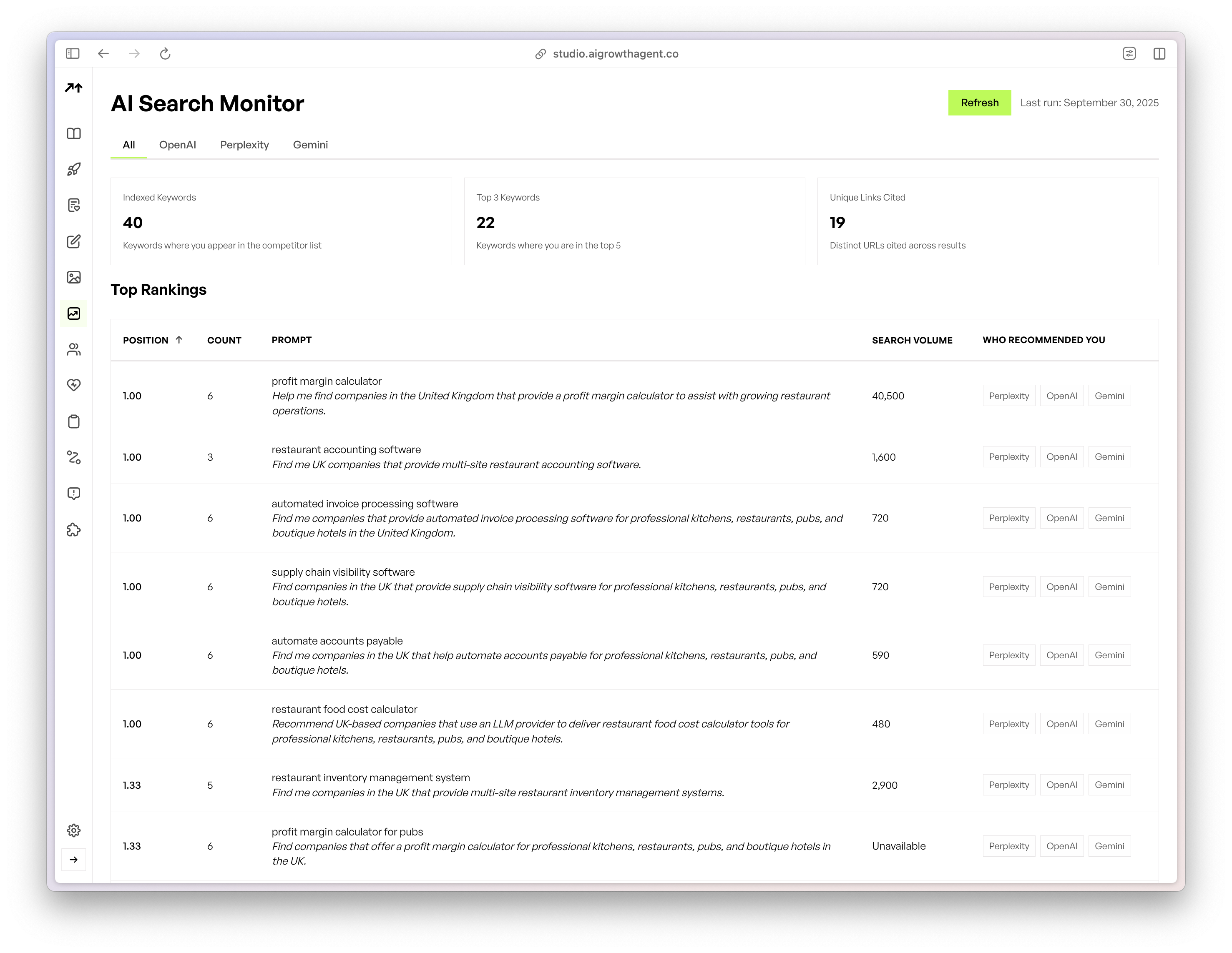
AI search engines now reward performance directly. Slow sites receive almost no AI citations, while fast, authoritative pages dominate AI answers. Programmatic SEO helps teams publish large volumes of content that meet both speed expectations and AI indexing standards.
AI Growth Agent’s autonomous system creates schema-rich, fast-loading blogs with LLM.txt and Model Context Protocol (MCP) integration, which improves AI search visibility. Companies like Gitar.ai use this approach to secure top placements in Perplexity results. See how programmatic content generation can maintain speed while building authority for AI citations.
Summary and Practical Next Steps
Fast loading speed in 2026 means meeting the Core Web Vitals thresholds outlined earlier and keeping real users engaged. Regular testing with Google PageSpeed Insights and GTmetrix sets clear baselines, while image tuning, code cleanup, and CDN deployment deliver quick gains. AI search engines now treat speed as a core requirement for citation visibility and competitive positioning.
Start with a full speed audit, apply the seven-step improvement process, and track results over time. For scalable authority building, use programmatic SEO systems that create fast-loading, AI-ready content by default. Discover how automated content systems can protect your performance standards while growing search and AI visibility.
FAQ
What is a good loading speed?
A good loading speed meets the Core Web Vitals thresholds described earlier in this guide and keeps users from abandoning the page. Excellent performance often targets LCP under 1.5 seconds for a stronger competitive edge. These benchmarks align with Google’s requirements and modern user expectations.
What are the best fast loading speed test tools?
Google PageSpeed Insights gives Core Web Vitals scores and practical recommendations. GTmetrix provides detailed waterfall views and TTFB measurements. Pingdom supports global testing from several regions. Use all three tools together, and focus on mobile results first because most traffic now comes from mobile devices.
How can I improve page speed simply?
Begin with image compression and conversion to WebP or AVIF. Add a Content Delivery Network for global asset delivery. Turn on browser caching and compress CSS and JavaScript files. These steps often deliver 50–70% performance gains with limited technical effort. Prioritize above-the-fold content so users see something useful almost immediately.
Does loading speed affect AI search visibility?
Yes. AI search engines such as ChatGPT, Perplexity, and Google’s Gemini reduce exposure for slow-loading sites in their answers and citations. Fast, authoritative pages receive more AI recommendations. Around 70% of AI responses favor sites that meet Core Web Vitals thresholds, which makes speed a key factor for AI visibility.
What loading speed benchmarks should I target for 2026?
Target Core Web Vitals scores in the “Good” range, with responsive pages that feel fast on any device. Aim for overall load times under 2 seconds and TTFB under 800 milliseconds. These benchmarks support strong user experience, SEO performance, and AI search compatibility across devices and connection speeds.